Steers Vouchers Guide: Everything You Need to Know
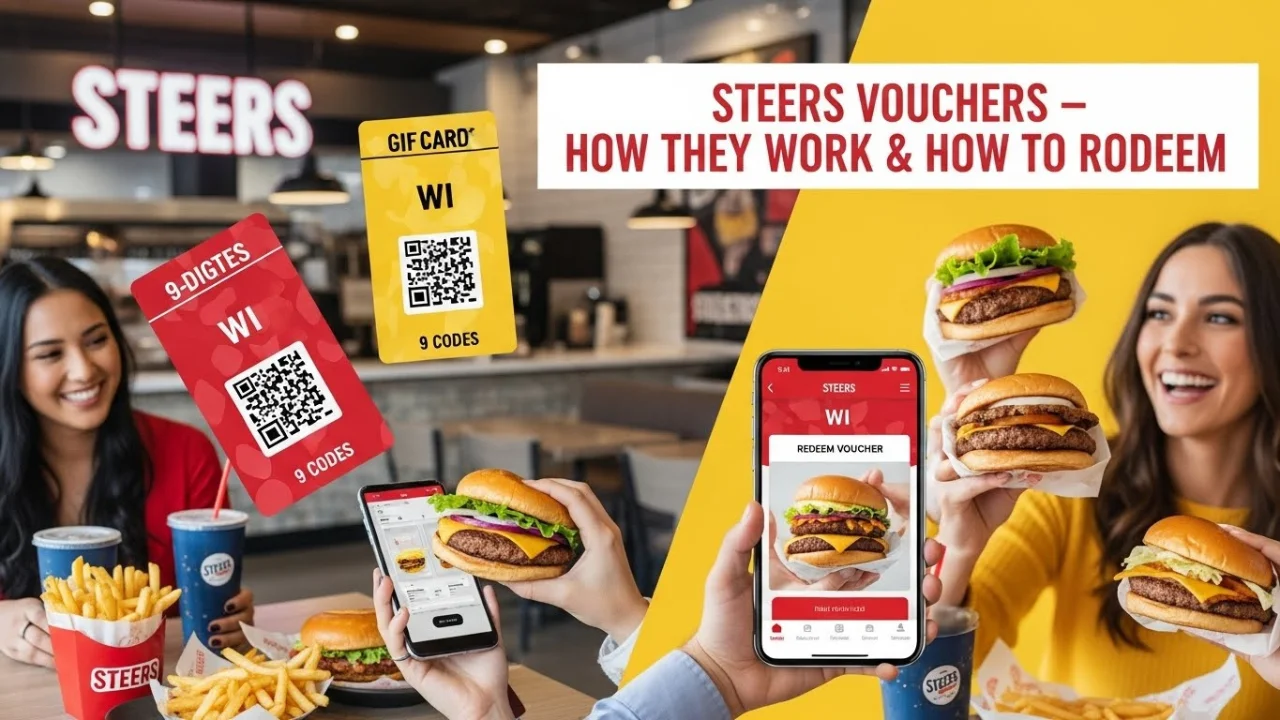
If you love Steers and want an easier way to pay for your meals—whether it’s online, in the app, or at the counter—a Steers voucher makes the whole process simple and fast. But many people still get confused about how WI codes work, how to redeem them, and what rules apply. This guide breaks everything down clearly so you can use your voucher without any hassle.
What Is a Steers Voucher?
A Steers voucher is a digital payment method that allows you to pay for your order using a unique code called a WI Code. These vouchers can be used:
- In Steers restaurants
- On the Steers app
- On the Steers online ordering website
Steers offers two main digital payment formats:
1. Digital Voucher (Single Use)
This voucher comes with a WI Code that can only be used once. Any unused amount is forfeited, meaning you should try to use the full value in one order.
2. Digital Gift Card (Balance Updates via SMS)
Gift cards work differently. Every time the user spends money, the system sends a new WI Code via SMS showing:
- Remaining balance
- The expiry date
- The updated code for the next purchase
This option allows multiple transactions until the full balance is used.
Where Steers Vouchers CAN Be Used
- ✔️ Steers in-store
- ✔️ Steers mobile app
- ✔️ Steers online ordering
Where They CANNOT Be Used
- ❌ Uber Eats
- ❌ MrD Food
- ❌ For driver tips
What Is a WI Code?
A WI Code is a 9-digit digital payment code used to pay for or discount your order. Once the system accepts the WI code, the voucher is considered fully redeemed.
Types of Steers Vouchers
Steers offers different voucher options depending on whether you’re an individual, app user, or a company buying in bulk. Each type uses the WI Code system but functions slightly differently.
1. Standard Steers Digital Voucher
A once-off voucher that comes with a single WI Code.
You can use it to fully or partially pay for your order, but once the code is processed, it cannot be used again.
2. Steers Birthday Voucher
Steers occasionally issues birthday vouchers to customers who are registered on their platforms. These vouchers can be redeemed in-store, online, or via the app and work like normal WI Code vouchers.
3. Steers App Voucher
These vouchers are delivered digitally inside the Steers app or via SMS. You simply enter the WI Code during checkout to redeem them.
4. Free Steers Voucher (Promotional)
Sometimes available through promotions or partner campaigns. These codes follow the same terms as regular vouchers: single use, not transferable, and valid only in South Africa.
5. Bulk Steers Vouchers (Corporate Orders)
Companies can request large volumes of vouchers for staff rewards, incentives, or events. Bulk vouchers are issued through:
- An Excel sheet containing multiple WI Codes
- Or direct SMS delivery to staff phones (for gift card vouchers)
To request bulk vouchers, companies must provide:
- Company registration details
- Billing address
- VAT number (voucher purchase is zero-rated)
- Contact person information
- Payment source (GL code for internal requests)
Voucher codes are sent within 2–3 working days once payment reflects.
How Steers WI Codes Work
A WI Code is a 9-digit code that acts as a digital payment method. Here’s how it works:
- Each WI Code is linked to a specific voucher value.
- When used in-store, online, or in the app, the system deducts the voucher value from the order.
- For digital vouchers: The code is valid once only, and any unused balance is lost.
- For gift cards: After each purchase, the customer receives a new code via SMS showing the remaining balance.
A WI Code cannot be reused after a successful transaction and cannot be combined with multiple vouchers in a single order.
How to Redeem a Steers Voucher
Redeeming a Steers voucher is simple, but the method depends on how you’re ordering.
1. Redeeming In-Store
- Go to your nearest Steers restaurant.
- Place your order at the counter.
- When ready to pay, show the cashier your WI Code.
- The cashier enters the code into the system.
- If the store’s internet is down, the voucher cannot be processed.
You can pay any remaining balance with:
- Cash
- Debit card
- Credit card
2. Redeeming on the Steers App
- Open the Steers app and build your order.
- Go to Checkout.
- Tap “Add Voucher Code”.
- Enter your 9-digit WI Code.
- The voucher value is applied instantly.
- Pay remaining balance using card if needed.
A minimum basket spend may apply for app orders.
3. Redeeming on the Steers Website (Online)
- Visit the Steers online ordering portal.
- Add items to your basket.
- On the checkout page, look for “Add Voucher Code”.
- Enter your WI Code.
- Voucher amount is applied to your total.
- Pay the difference via debit/credit card.
How to Get a Steers Voucher
1. Buy a Voucher Through YOYO Gifts
Steers vouchers can be purchased using a debit or credit card on the official partner website:
- YOYO Gifts → (https://yoyogifts.co/partner/steers)
Before redeeming your voucher, check out the full Steers menu to see all your favorite meals and plan your order.
You can choose:
- Digital voucher via Excel (bulk order)
- Direct SMS delivery to any cellphone number
2. Request Corporate / Bulk Vouchers
Companies can email the Steers Voucher Administrator: brigitte.vanderlinde@steers.co.za
Provide:
- Company registration name & number
- Billing details
- Physical address
- Contact person name & number
3. Birthday or Promotional Vouchers
Customers may receive vouchers through:
- App promotions
- Loyalty sign-ups
- Special birthday campaigns
These vouchers work like standard WI Codes.
How to Use Steers Vouchers: Rules and Terms
Before using your voucher, it’s important to understand the rules. These terms apply to all Steers digital vouchers and WI Code transactions.
1. Voucher Validity Rules
- Each voucher is valid for one-time use only.
- Any amount not used in a single transaction is forfeited.
- Gift cards are the only exception, as they generate a new WI Code after each purchase.
- Vouchers are valid only within South Africa (RSA).
- Every voucher has an expiry date, clearly stated on the document or SMS.
2. Usage Restrictions
- Vouchers cannot be used on Uber Eats or MrD Food.
- They cannot be exchanged for cash.
- They cannot be used for driver tips.
- Only one voucher can be redeemed per order.
3. Payment Rules
- If your order total exceeds the voucher value, you can pay the remainder via:
- Cash
- Debit card
- Credit card
- No minimum order value applies in-store, but a minimum basket spend may apply on the Steers app.
4. Technical Requirements
- If the Steers store has no internet connection, vouchers cannot be processed.
- WI Codes cannot be reused once successfully processed.
Frequently Asked Questions
How do I redeem my Steers voucher in-store?
Give the cashier your WI Code. They will enter it into the system to process your payment. Make sure the store’s internet is working, as vouchers cannot be processed offline.
Can I use my Steers voucher online or in the Steers app?
Yes. Vouchers are accepted in-store, online, and on the Steers app. Simply enter the WI Code during checkout.
Can I use my voucher more than once?
No. Standard vouchers are single-use. If you have a Steers gift card, you will receive a new WI Code via SMS after each transaction until the balance is used up.
What is a WI Code?
A WI Code is a 9-digit digital voucher code used to discount or fully pay for your order.
What happens if my order is more than my voucher value?
You can pay the remaining amount using cash, debit, or credit card.
When does my voucher expire?
Your voucher expiry date is shown on your voucher document or in the SMS you received. Once expired, the voucher cannot be used.
What should I do if my voucher is not working?
You can contact the Steers support team at: 0860 22 55 87 Or email the voucher administrator at: brigitte.vanderlinde@steers.co.za
How do I get a Steers birthday voucher?
You must be registered on the Steers app or loyalty system. Birthday vouchers are promotional and sent only during active campaigns.
Can I get a free voucher?
Sometimes Steers releases promo vouchers through:
- App campaigns
- Partner promotions
- Social media giveaways
These vouchers work the same as standard WI Codes.
Final Thoughts
Steers vouchers make ordering simple, fast, and flexible—whether you’re paying in-store, online, or through the app. With WI Codes, gift card balances, and bulk voucher options, Steers offers a convenient solution for both customers and companies. Be sure to follow the voucher terms, check your expiry date, and use your WI code correctly to get the most value out of your purchase.
If you need a voucher, you can buy one anytime through YOYO Gifts or request bulk codes via their voucher administrator.

Paul Stovall
I’m Paul Stovall, the researcher and writer behind Steers Menu With Prices. I’m passionate about exploring South Africa’s fast food scene—especially Steers, one of the country’s most iconic burger brands. From flame-grilled burgers to hand-cut chips, I enjoy digging into the details that make Steers a local favorite.
I created this site to help South African food lovers and visitors find accurate, up-to-date information about Steers menu items, prices, and promotions. Whether you’re grabbing breakfast, lunch, or a late-night meal, this guide makes it easy to know exactly what’s on the menu before you order.